How Starling Bank's Spending Insights Work

Understanding Your Money with Starling's Analytics
Starling Bank's spending insights are built into the main app with no add-on required. The feature automatically categorises every transaction and presents spending patterns in visual, actionable formats — helping you understand exactly where your money goes without manual effort.
Automatic Transaction Categorisation
Starling categorises every transaction as it happens — groceries, eating out, transport, shopping, entertainment, and so on. The system learns from your corrections: if it miscategorises a transaction, you can fix it and Starling adjusts future categorisation for that merchant automatically.
Spending Breakdown
The Spending tab shows your total spend by category for the current month, previous months, or a custom date range. You can see at a glance whether your food spending increased, whether your transport costs are rising, or whether your entertainment budget has crept up over three months.
Spending Targets
Set monthly spending targets per category. Starling tracks progress in real time — you can see how much of your grocery budget remains with two weeks of the month still ahead. Targets create accountability without requiring you to manage a spreadsheet.
Spaces (Starling's Equivalent of Pots)
Starling's Spaces feature lets you ring-fence money within your account for specific purposes — bills, savings, holidays, or emergency fund. Money in a Space doesn't appear in your spendable balance, creating the same psychological separation as Monzo's Pots.
Connected Accounts (Open Banking)
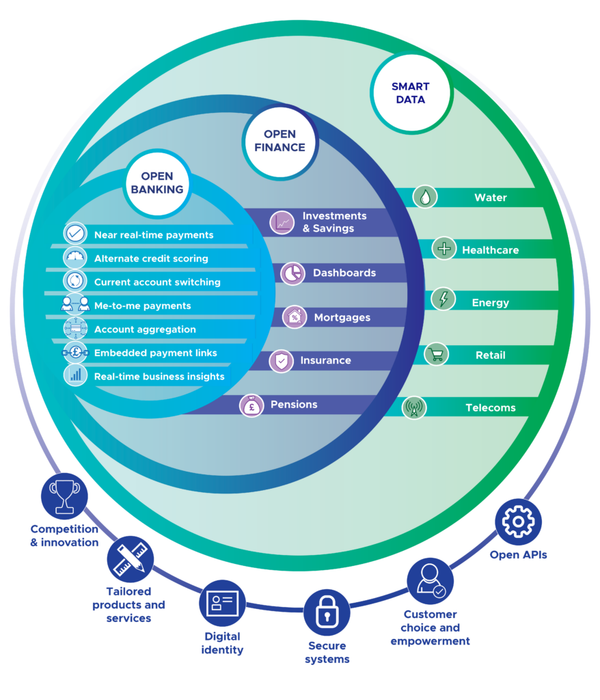
Starling can connect to external accounts via Open Banking, giving you a consolidated view of all your finances — savings accounts at other banks, credit card balances — alongside your Starling transactions. This makes it a single dashboard for your entire financial life without switching between apps.